
Download JW Library – free bible app, religious study tool, Bible translations, Jehovah Witnesses, study bible, online Bible, scripture study
Overview
The JW Library is a dedicated digital platform designed for individuals seeking a structured and comprehensive approach to studying the Bible. Developed by the Watch Tower Bible and Tract Society of Pennsylvania, the application serves as a centralized hub for religious content tailored primarily to Jehovah Witnesses. Its core purpose is to support personal and group Bible study through access to a wide range of doctrinal materials, commentaries, and scriptural references. The software enables users to explore multiple Bible translations, locate specific passages, and engage with curated study aids that align with the teachings of the faith.
Target users include active members of the Jehovah Witnesses community who prioritize regular scriptural engagement. The app is particularly beneficial for those involved in ministry work, public speaking, or personal Bible study. While the platform is highly functional for its intended audience, its specialized content limits broader appeal to non-adherents. Real-world usage scenarios include preparing for meetings, researching biblical topics, and organizing notes for future reference. The software is accessible on Android devices, supporting both mobile and tablet use, making it a practical tool for on-the-go study.
Key Features & Capabilities
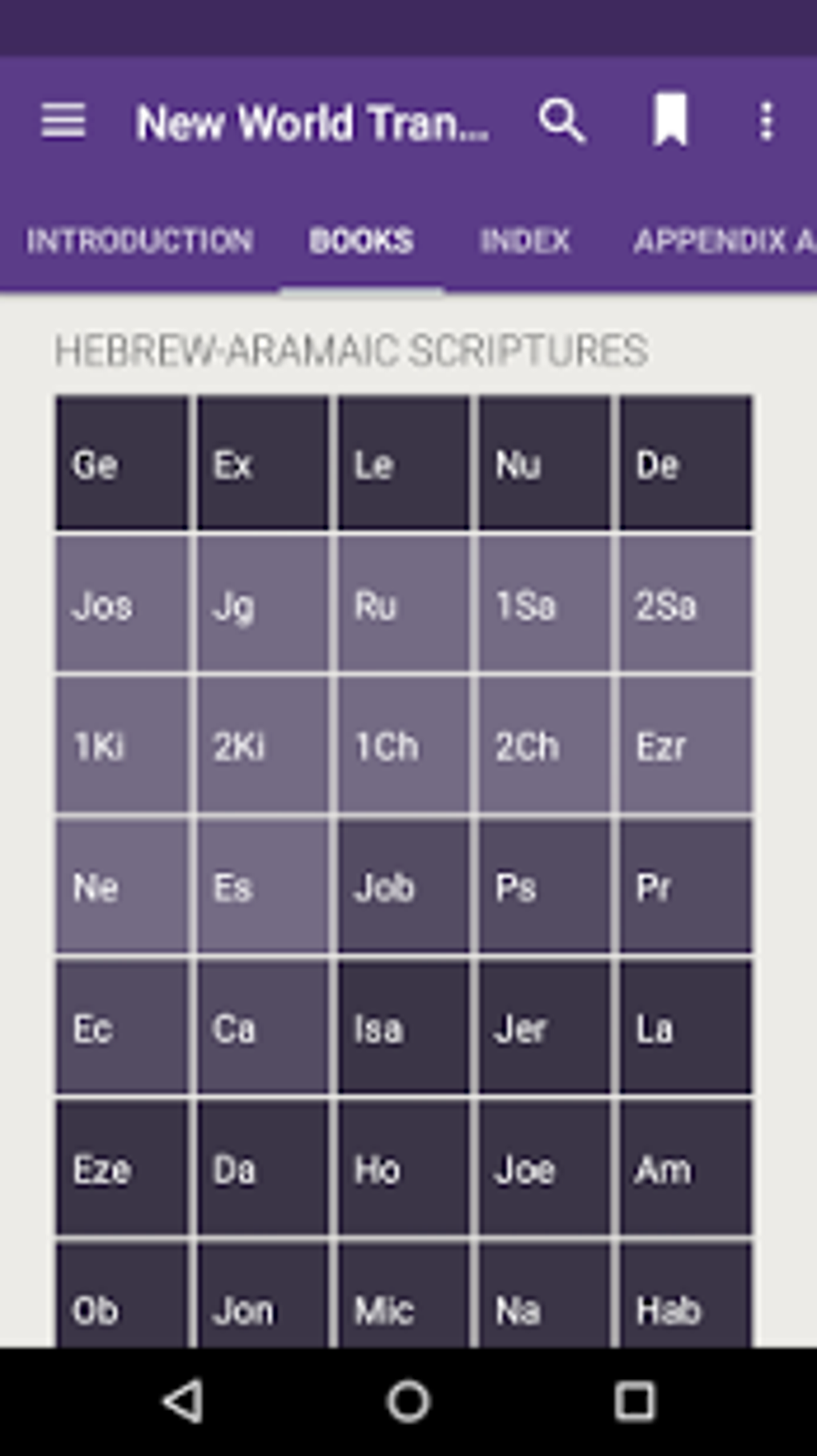
- Multiple Bible Translations – Users can access various versions of the Bible, allowing for comparative study and deeper understanding of scriptural passages.
- Comprehensive Study Tools – Built-in features such as search functions, cross-references, and topic-based articles enhance the depth of Bible exploration.
- Personal Note-Taking – The app allows users to create and save personal notes directly within the application for later review and reflection.
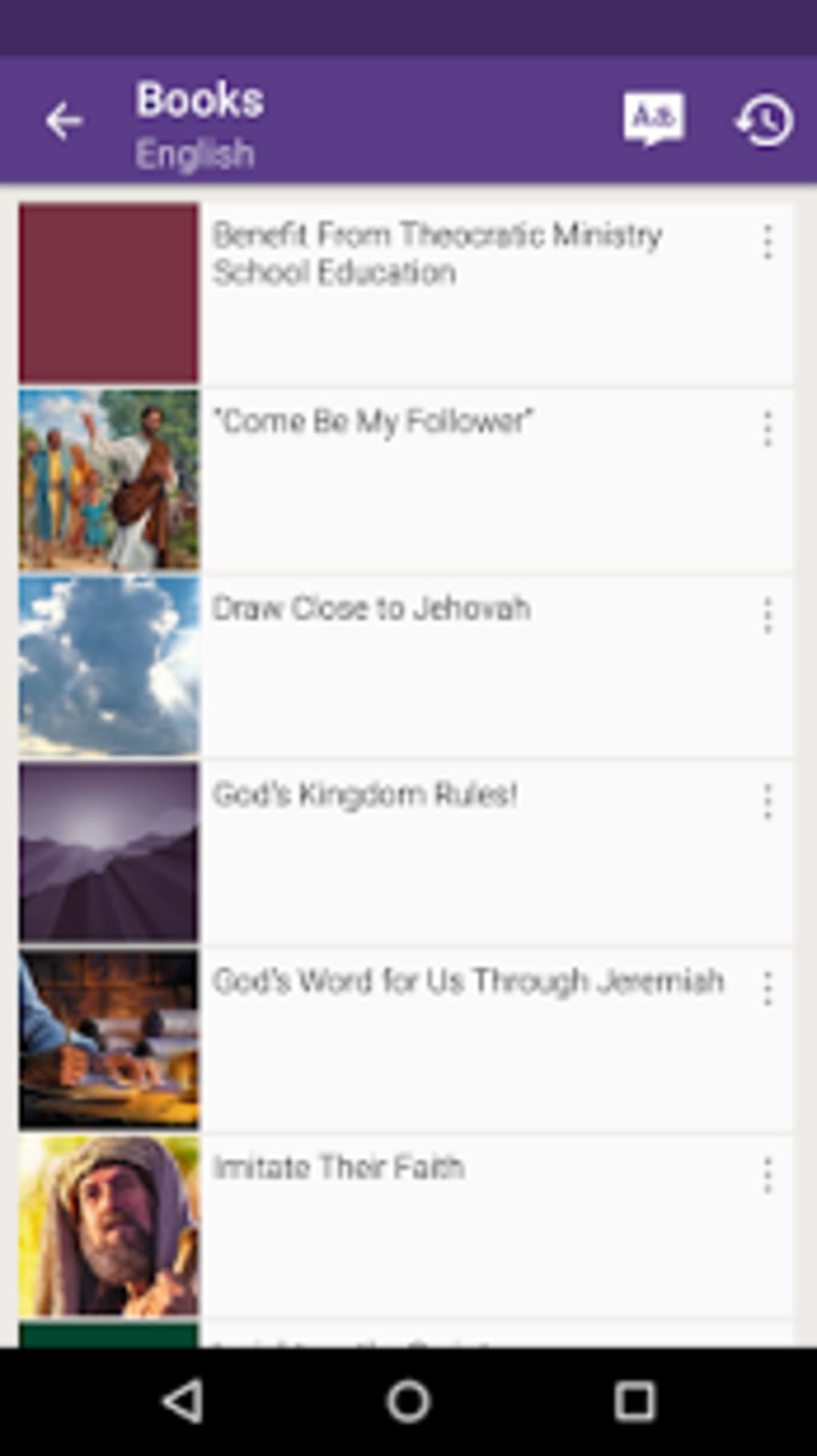
- Structured Content Library – Organized materials include publications, videos, and audio recordings aligned with the teachings of the Jehovah Witnesses.
- Offline Access – Content can be downloaded for offline use, enabling study without an internet connection.
These features are especially useful during field service, meetings, or personal devotional time. For example, a user preparing for a door-to-door ministry can quickly locate relevant scriptures and supporting articles. The ability to save notes ensures continuity across sessions, while offline functionality supports consistent study in areas with limited connectivity. The software’s focus on doctrinal accuracy and religious context makes it a trusted companion for committed adherents.
User Interface, Workflow & Performance
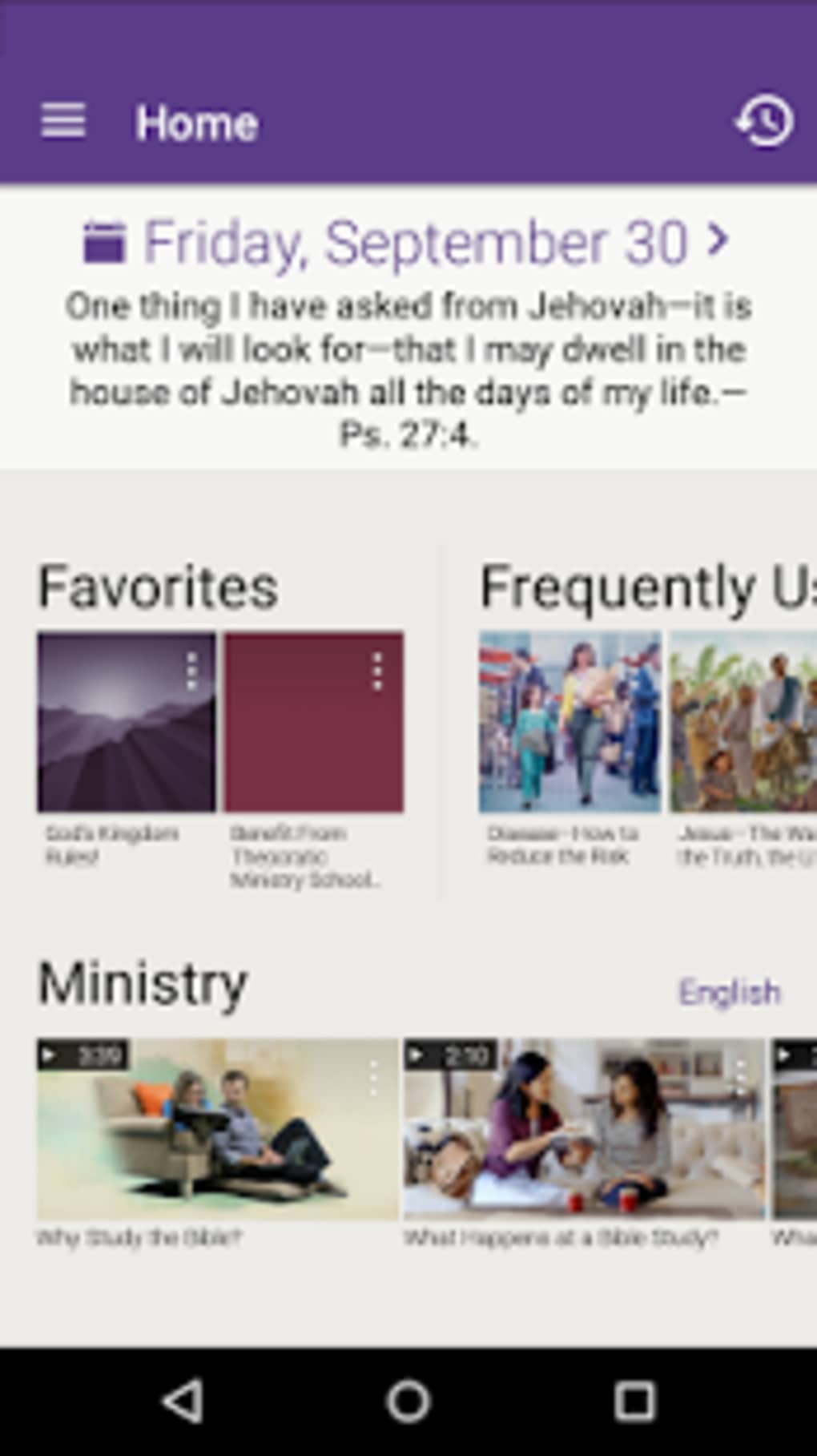
The user interface of JW Library is designed with functionality and clarity in mind, prioritizing ease of navigation for its target audience. The layout features a clean, hierarchical structure with clearly labeled sections for Bible reading, publications, study aids, and personal notes. Navigation is primarily menu-driven, with intuitive icons and logical grouping of content, minimizing the learning curve for new users.
Workflow efficiency is enhanced by the app’s search functionality, which allows users to quickly locate verses, topics, or keywords across all available content. The process of saving notes and organizing them into folders is straightforward, supporting a personalized study experience. Performance observations are based on general software behavior patterns, as specific resource usage data was not provided. The developer did not specify CPU or RAM behavior, nor did they detail load times or responsiveness under heavy use.
Stability appears consistent with typical mobile applications of this type, though exact performance metrics were not disclosed. Users can expect reliable access to content, with minimal reported disruptions. The app’s lightweight design, at 115 MB, suggests efficient memory usage, but real-world impact on device performance remains unverified.
Compatibility & System Requirements
The JW Library is available for Android devices, ensuring compatibility with a wide range of smartphones and tablets running the supported OS versions. The current version is 2.2.0, released on May 7, 2024. The installation size is 115 MB, which is relatively modest for a content-rich application. This size reflects the inclusion of core Bible texts, study materials, and multimedia assets.
Exact system requirements were not listed, including minimum Android version, RAM, or processor specifications. Compatibility information was partially provided, leaving users to rely on standard Android compatibility guidelines. The developer did not provide additional system requirements, so users are advised to ensure their device meets general Android application standards. For optimal performance, it is recommended to use a device with sufficient storage and a stable operating system version.
Pros and Cons
Pros
- Free to download and use, making it accessible to all members of the Jehovah Witnesses community.
- Offers multiple Bible translations for comparative study and deeper understanding.
- Includes a wide range of doctrinal publications, videos, and audio content.
- Supports offline access, enabling uninterrupted study without internet dependency.
- Intuitive interface designed for efficient navigation and personal note-taking.
Cons
- Content is highly specific to Jehovah Witnesses, limiting its relevance for broader religious audiences.
- May overwhelm casual users due to the volume and depth of available material.
- Limited to Android platform, with no support for iOS or desktop systems.
- Exact system requirements and performance details were not specified.
- Lacks integration with third-party apps or cloud synchronization features.
FAQ Section
Is JW Library available for iOS devices?
The current version of JW Library is only available for Android. There is no official release for iOS devices as of the latest update.
Is the app safe to download and use?
Yes, the app is developed and distributed by the Watch Tower Bible and Tract Society of Pennsylvania, a trusted religious organization. It is free from known malware and safe for use on Android devices.
Can I use JW Library without an internet connection?
Yes, users can download content for offline access. This allows full functionality, including Bible reading, note-taking, and accessing previously downloaded materials, without requiring an internet connection.
How often are updates released?
Updates are released periodically to improve functionality, add new content, and ensure compatibility with new Android versions. The latest version, 2.2.0, was released on May 7, 2024.
Is there a license or subscription required to use the app?
No, the app is completely free to download and use. There are no subscription fees or in-app purchases required for full access to its features and content.
Final Thoughts
The JW Library stands out as a powerful, faith-specific tool designed to support deep and consistent Bible study for Jehovah Witnesses. Its comprehensive content library, multiple Bible translations, and offline capabilities make it an essential resource for both personal and group study. While its narrow focus limits appeal beyond its intended audience, it delivers exceptional value within that context. The clean interface and intuitive workflow enhance usability, even for less tech-savvy users.
For members of the Jehovah Witnesses community, this app is not just a utility—it’s a central part of their spiritual practice. Its free availability and robust feature set make it a standout choice in the religious software space. Despite the lack of cross-platform support and detailed system requirements, the app remains a reliable and efficient tool for those committed to scriptural study.
Download JW Library now





.png)

